
Family shopping, in sync
One shared family grocery list.
Know what's bought. See what's next.
CartPatt is a free shared shopping list app for families on iPhone and Android. Keep your household in sync, check your grocery purchase history, and see what may need restocking — before buying it twice.


How it works
Share your grocery list, save your purchase history, and check before you shop.
STEP 1
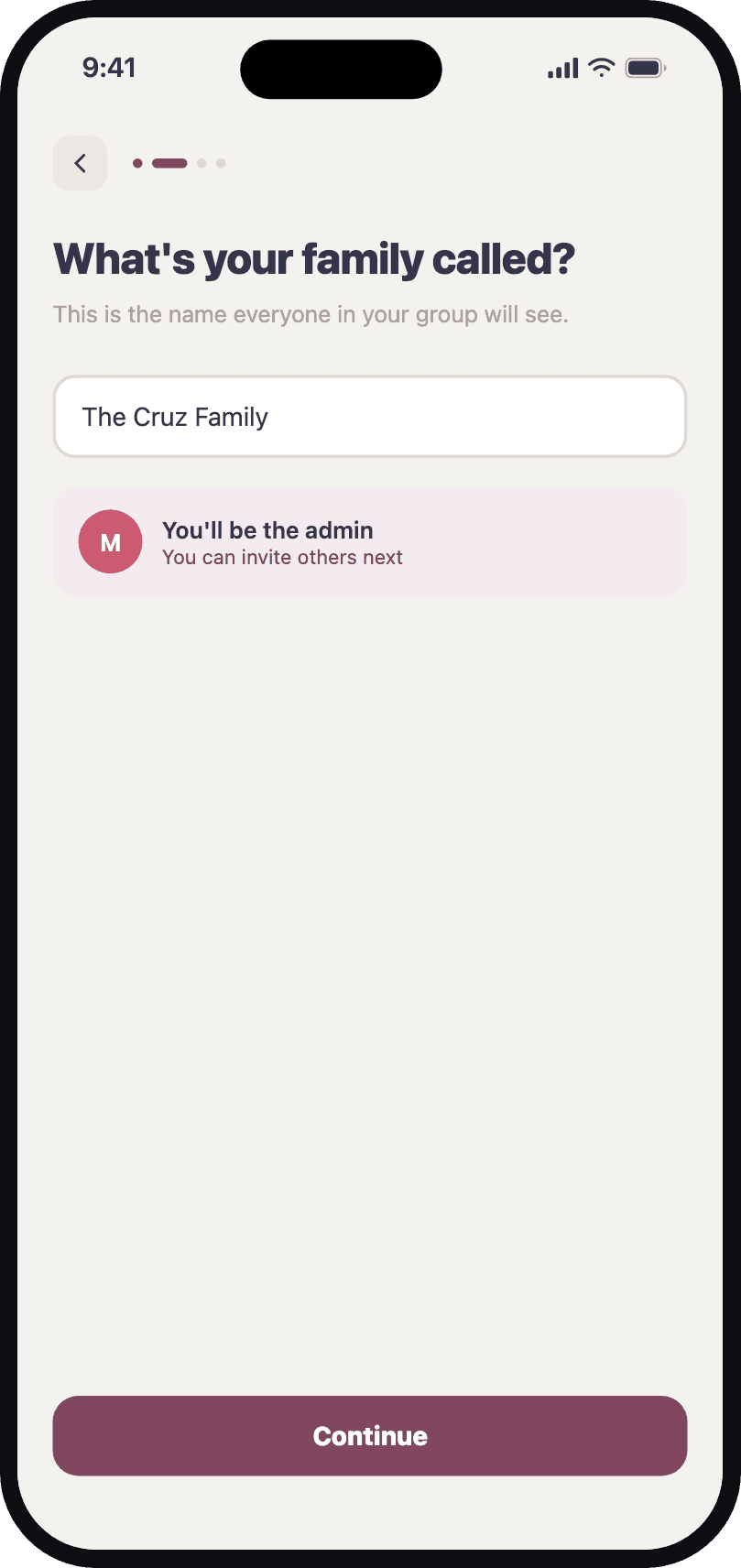
Start your family group
Create a group, or go solo, then invite your family in.
STEP 2
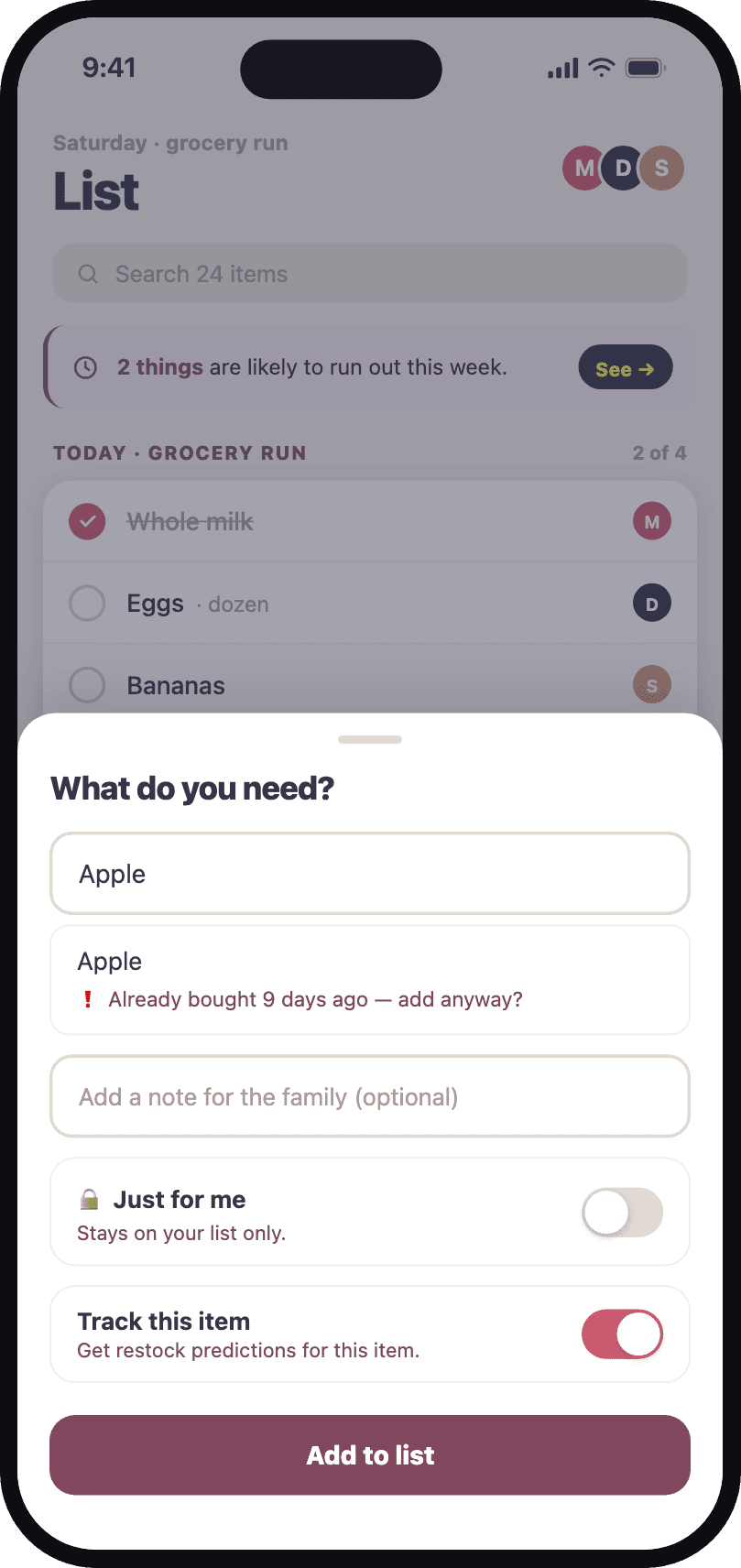
Add to the shared list
Anyone in the family can add what's needed, from anywhere.
STEP 3
Check off as you shop
Every purchase is saved to your family's history automatically.
STEP 4
Get nudged in time
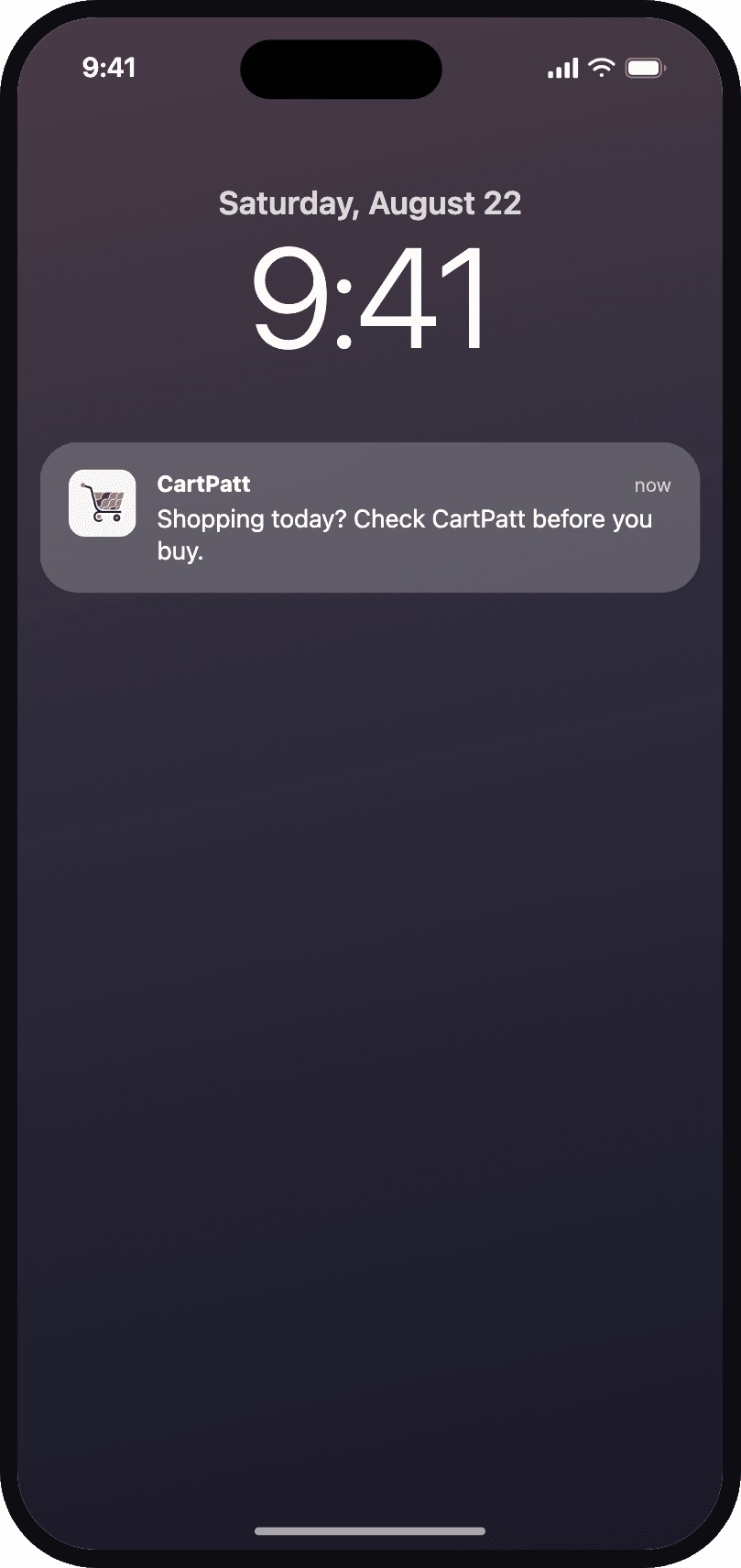
Set a weekly shopping reminder to check your shared list before you go.
Not just another checklist
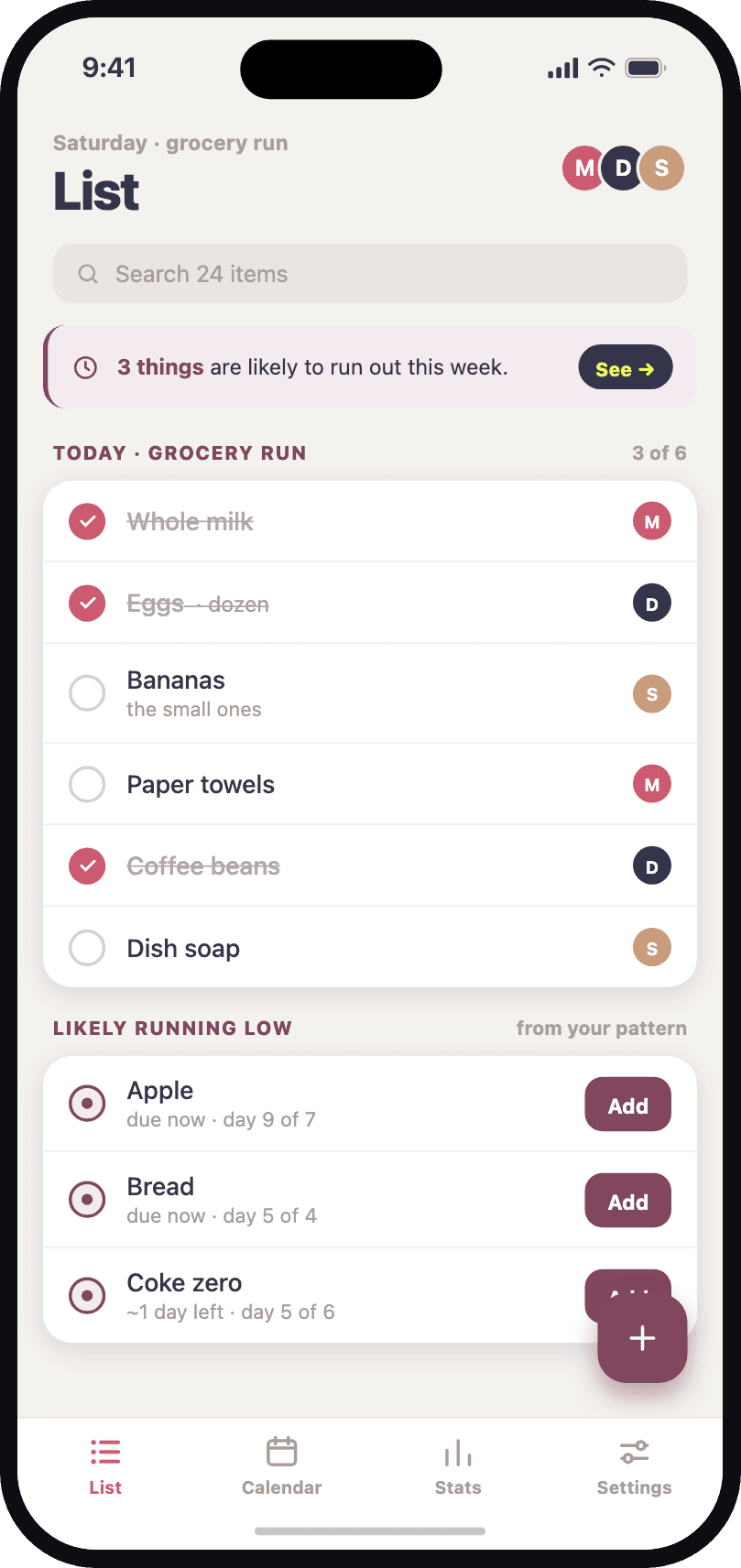
CartPatt keeps your grocery purchase history and uses your buying patterns to estimate when everyday items may need restocking.
It remembers for you
Every completed trip is saved to the calendar, so the list knows what your household actually buys — and how often.
No more duplicate buys
Add something that was bought three weeks ago and CartPatt says so, right in the list. The second pack stays on the shelf.
Quiet by design
No feeds, no chat, no noise. One shared list, one history, and an optional weekly shopping reminder.
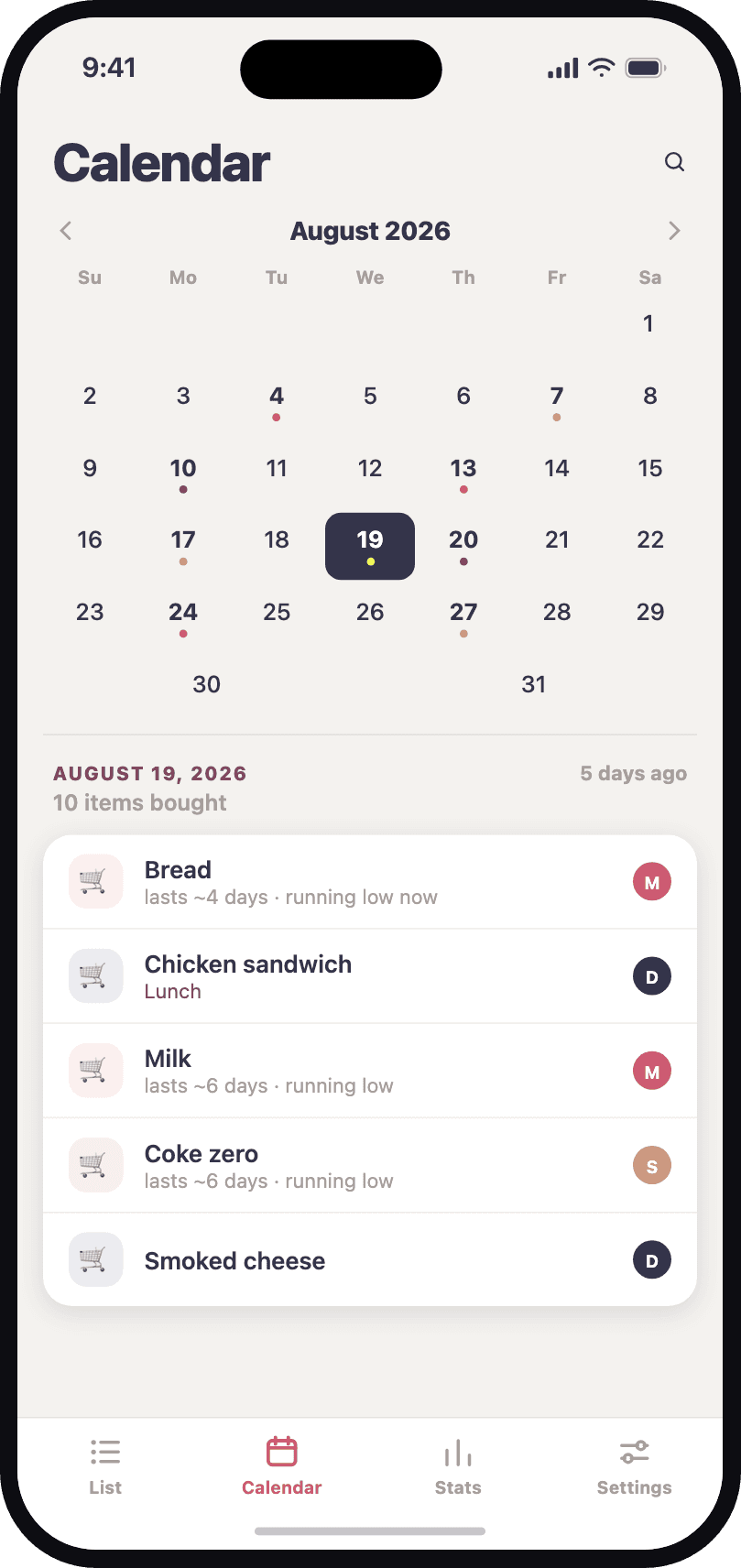
Calendar —
see the history
Every completed trip is saved, so the family can see what was bought and when.
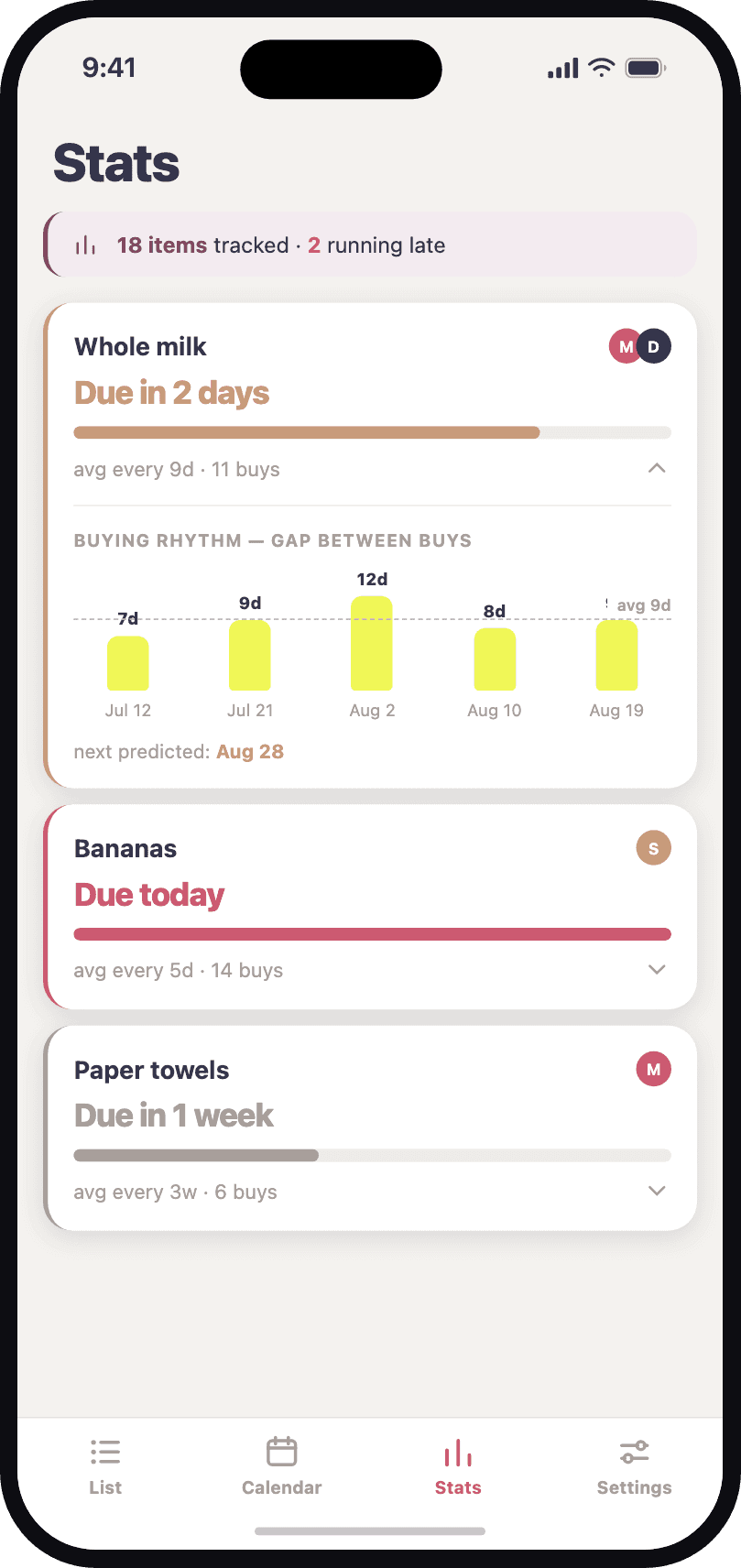
Stats —
know what runs out next
CartPatt learns your buying rhythm and flags what's early, due, or running late.
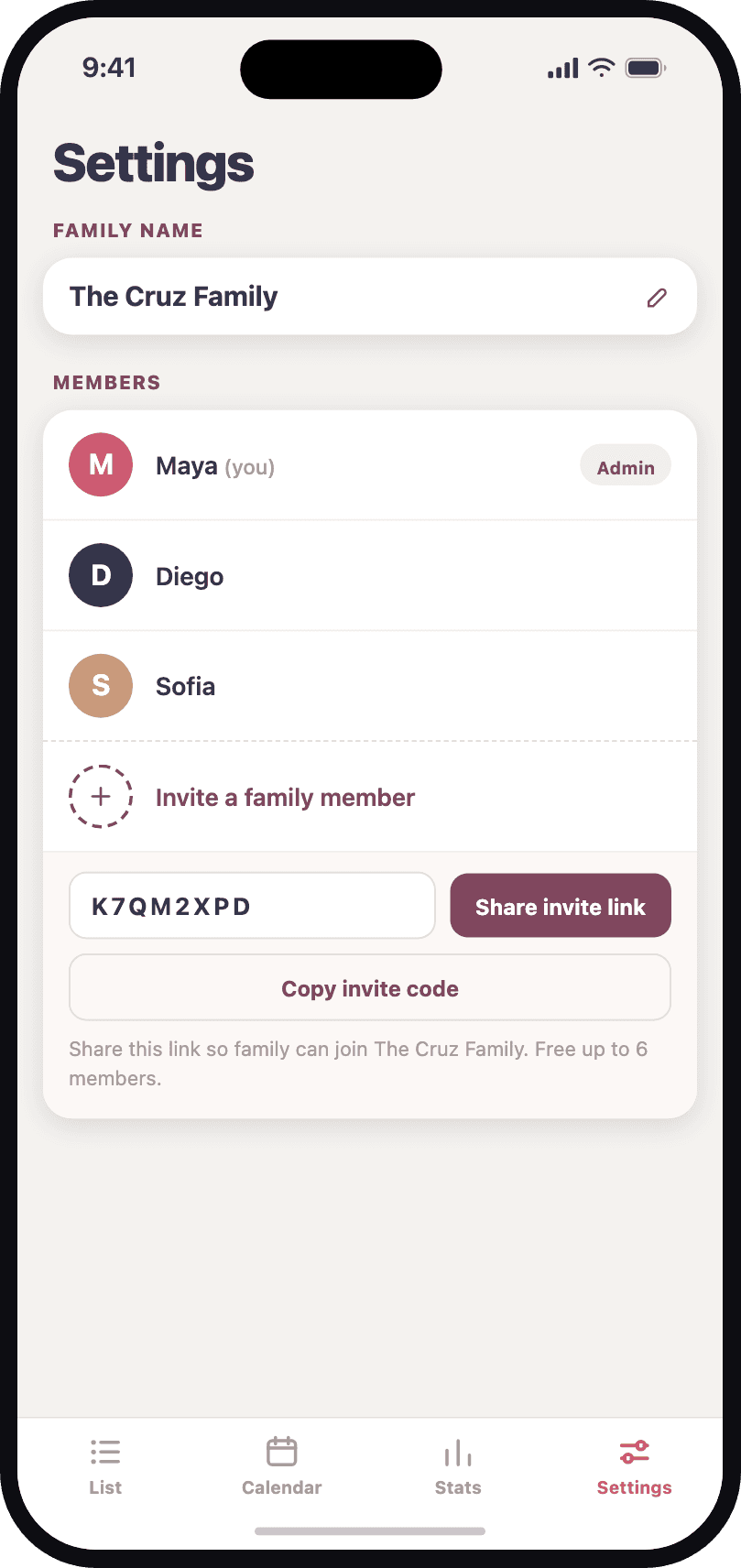
Settings —
keep everyone in sync
Manage your family, invitations, and shopping reminders in one simple place.

One list. One history.
No more buying it twice.
Download CartPatt and share your first list today.
Questions about sharing your grocery list
Can my family share a grocery list between iPhone and Android?
Yes. Install CartPatt, create a family group, and invite your household. Members on iPhone and Android can add items and check off purchases on the same shared shopping list.
How does CartPatt help avoid buying groceries twice?
Your family shares the list and purchase history. Check when an item was last bought before adding it again, and use the Calendar to look back at completed shopping trips.
Does CartPatt track exactly what is in my pantry?
No. CartPatt estimates what may be running low from your purchase history and buying patterns. It does not measure what you use at home, so check your cupboards before restocking. Weekly shopping reminders are set separately in Settings.
Is CartPatt free to use?
Yes. CartPatt is free to download and use on iPhone and Android, with no ads. You can start your own list or share one with your family.